Kubernetes GitOps with FluxCD - Part 1 - Initial Setup
Table of Contents
GitOps practice enables us to define our infrastructure as code in a declarative manner. It serves as an audited single source of truth for our cloud/cluster state, providing benefits like:
- Version control and audit trails for infrastructure changes
- Automated reconciliation between desired and actual states
- Improved security through encrypted credentials and access control
- Simplified rollback capabilities
- Enhanced collaboration through Git workflows
FluxCD is a CNCF graduated project that enables GitOps practices in the Kubernetes ecosystem. It automates the deployment, monitoring, and reconciliation of cluster resources based on Git repositories.
This post covers the initial setup and core functionality of FluxCD in a Kubernetes cluster.
1. Setup Git dependencies
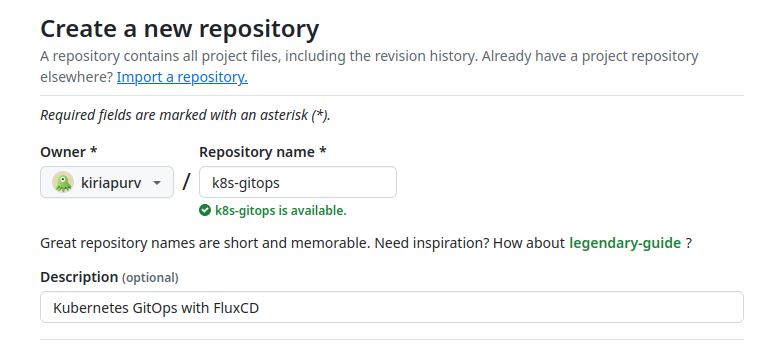
Lets start by creating git repository in Github.
Next, we need to generate a fine-grained access token that FluxCD will use to interact with our repository. These tokens provide more granular control over repository permissions compared to classic personal access tokens.
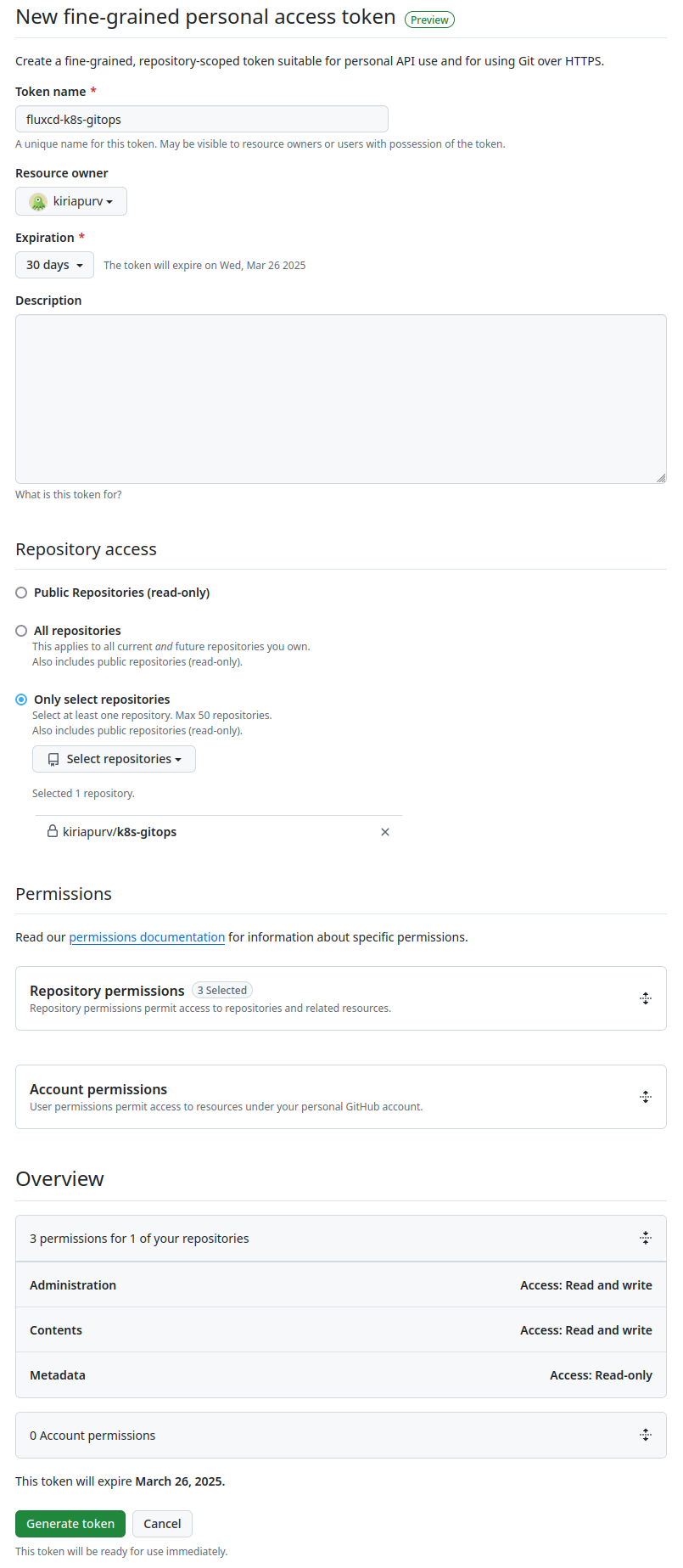
We’ll keep Read and write permission for Administration, Contents access and Read-only for Metadata access limited to repository we created above and permissions as recommeded by official FluxCD documentation for this initial setup.
2. Setup Flux CLI
Lets start by installing FluxCD cli
1sudo zypper in flux2-cli
Next step is to export github token and user details variables.
1export GITHUB_TOKEN=******
2export GITHUB_USER=*****
For this post we are using locally VM hosted k3s cluster, lets check if we have access to same with kubectl.
1# 1. Point to specific cluster we are setting up
2export KUBECONFIG=~/.kube/local.config
3# 2. Check for access and version
4kubectl version
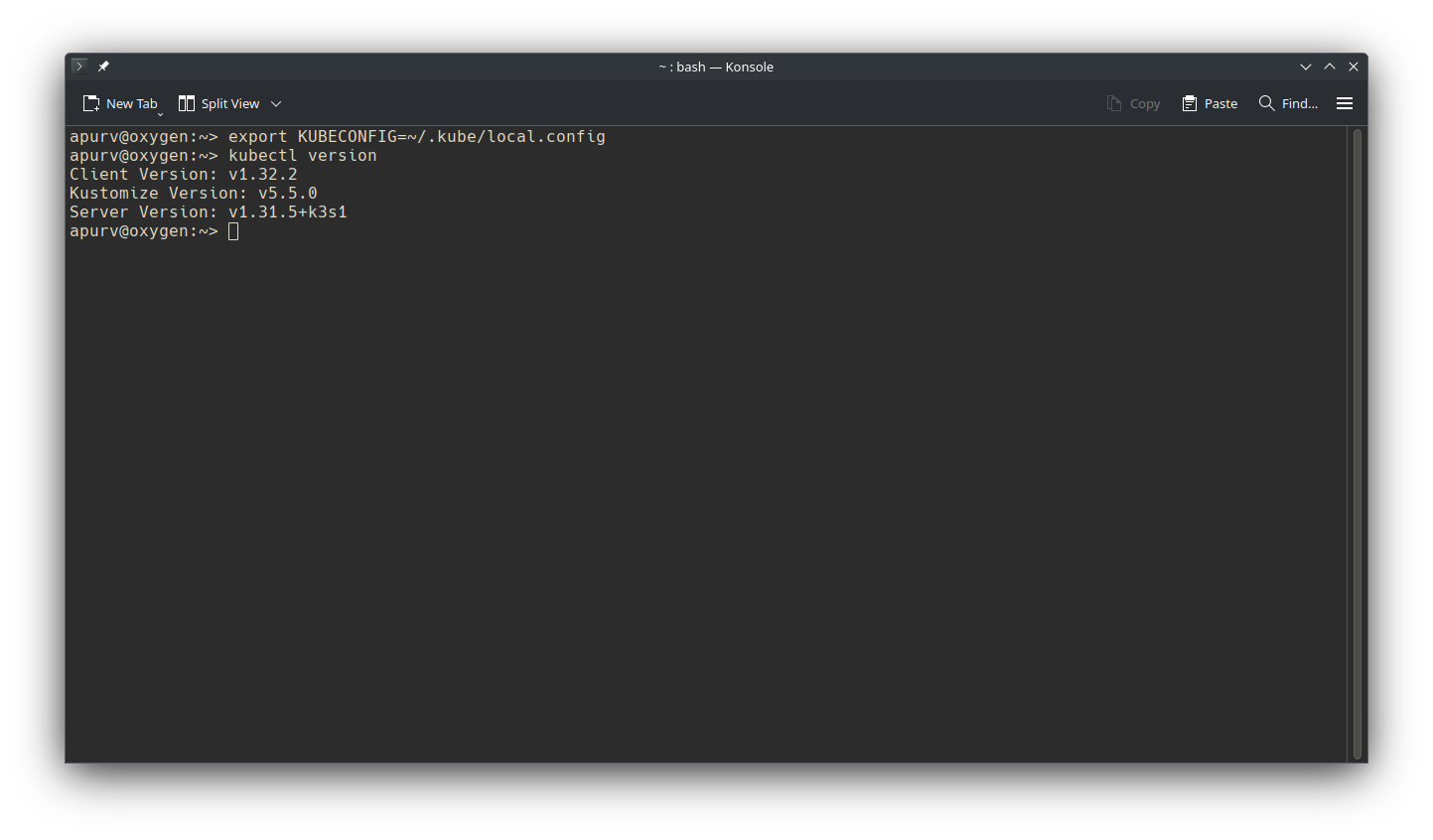
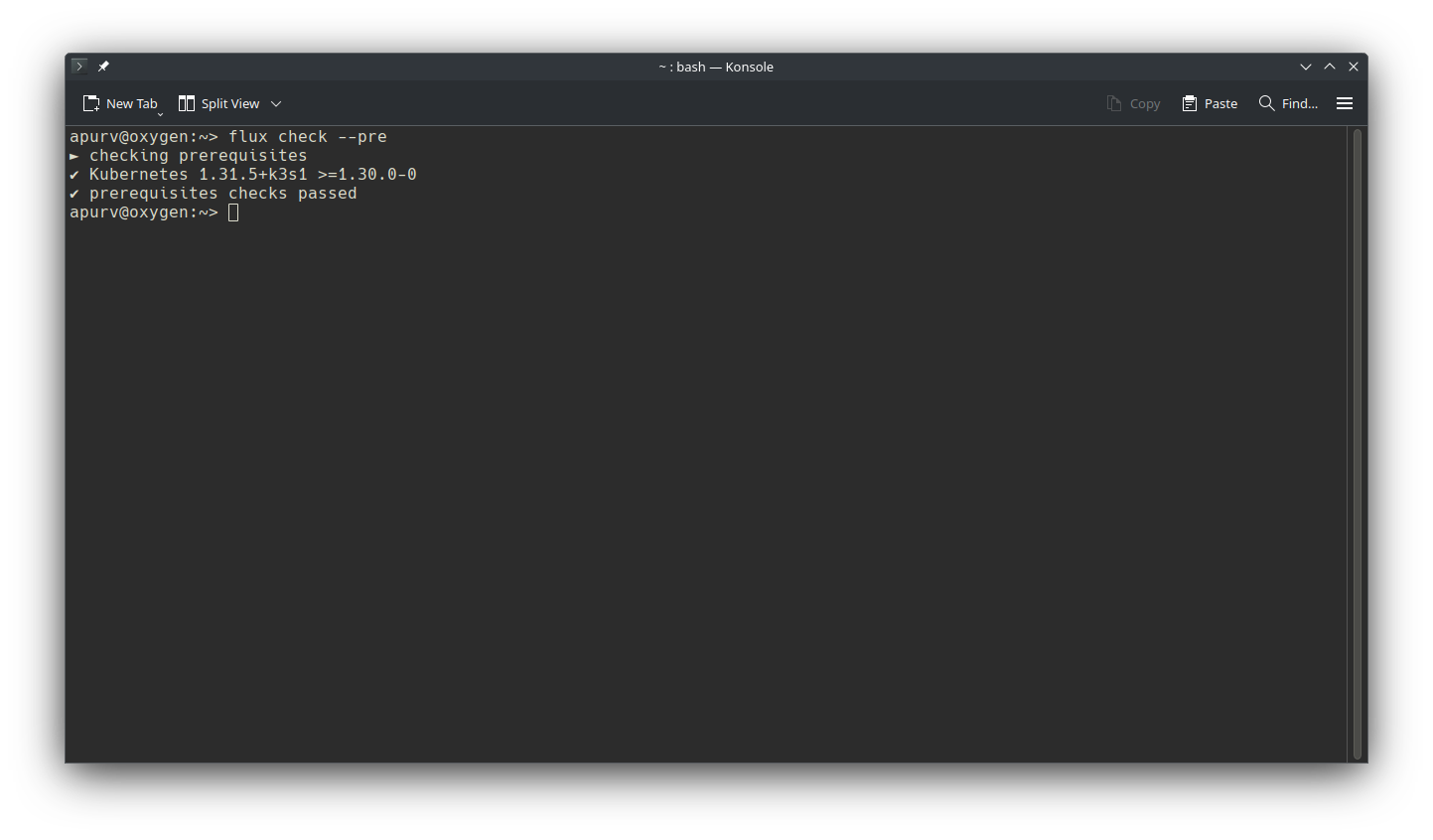
Let’s check same with Flux cli if it has access as well.
1flux check --pre
3. Bootstrap FluxCD
We are going to install all components including extra for image automation.
1flux bootstrap github \
2    --owner=$GITHUB_USER \
3    --repository=k8s-gitops \
4    --branch=main \
5    --path=./cluster/default \
6    --read-write-key \
7    --components source-controller,kustomize-controller,helm-controller,notification-controller \
8    --components-extra image-reflector-controller,image-automation-controller \
9    --personal
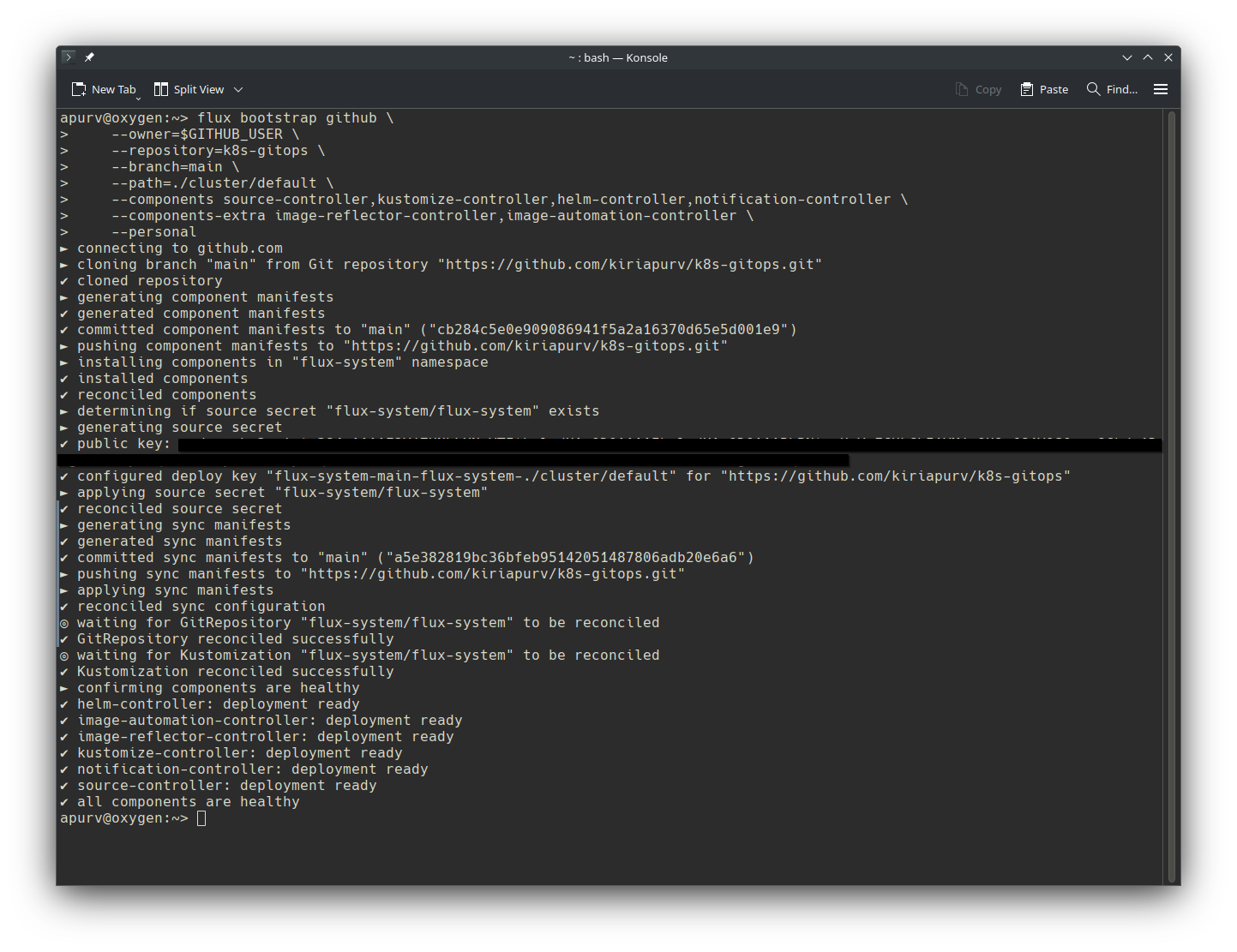
Lets verify Flux setup step by step.
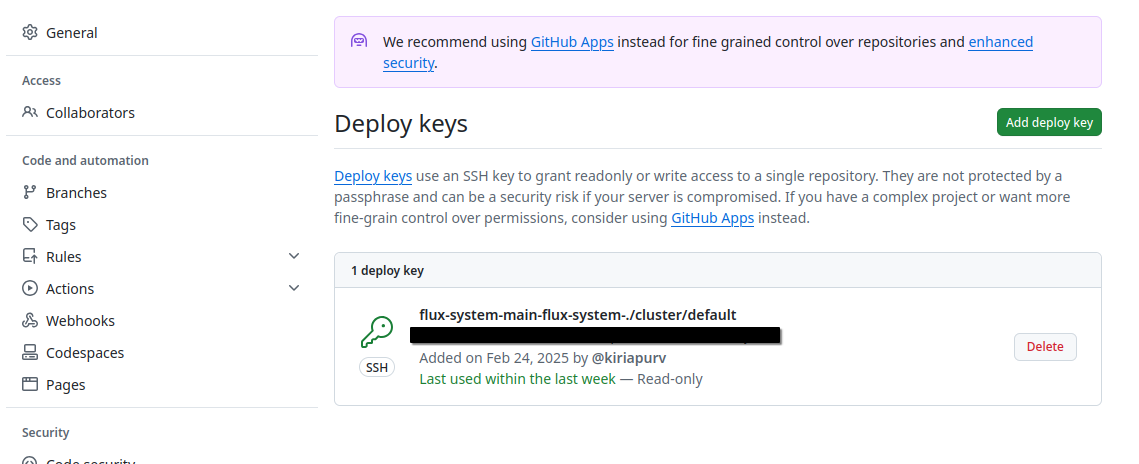
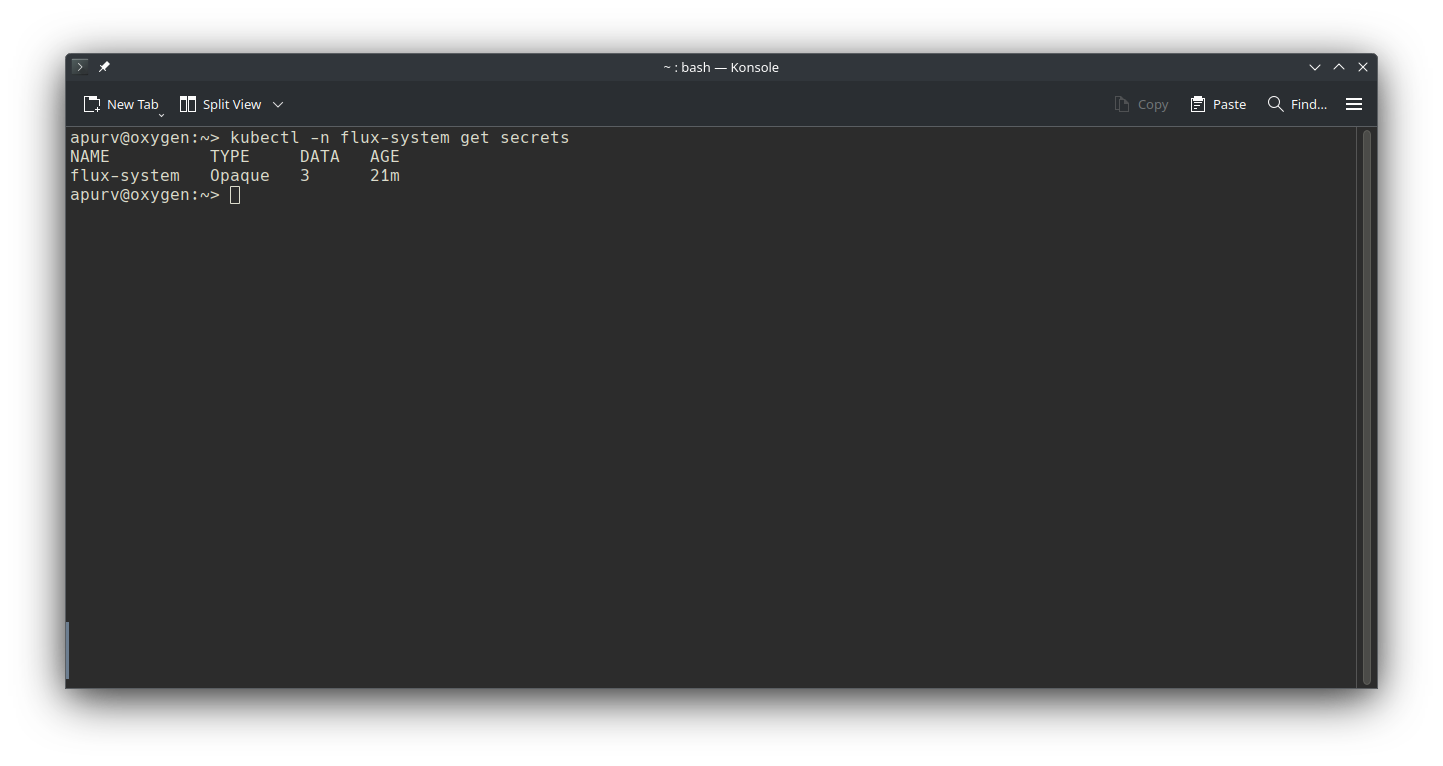
- Bootstrap has created one deployment key in Github repository and stored as flux-system/flux-secret
Let’s verify deployment key in Github
Let’s verify secret with kubectl -n flux-system get secrets
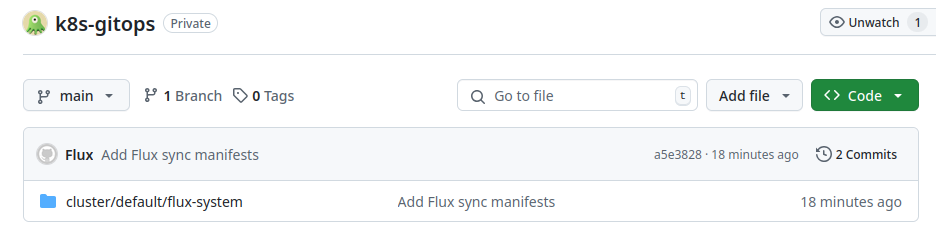
- Flux has initialized the repository with initial commit having definition of components at
cluster/defaultas specified bootstrap command.
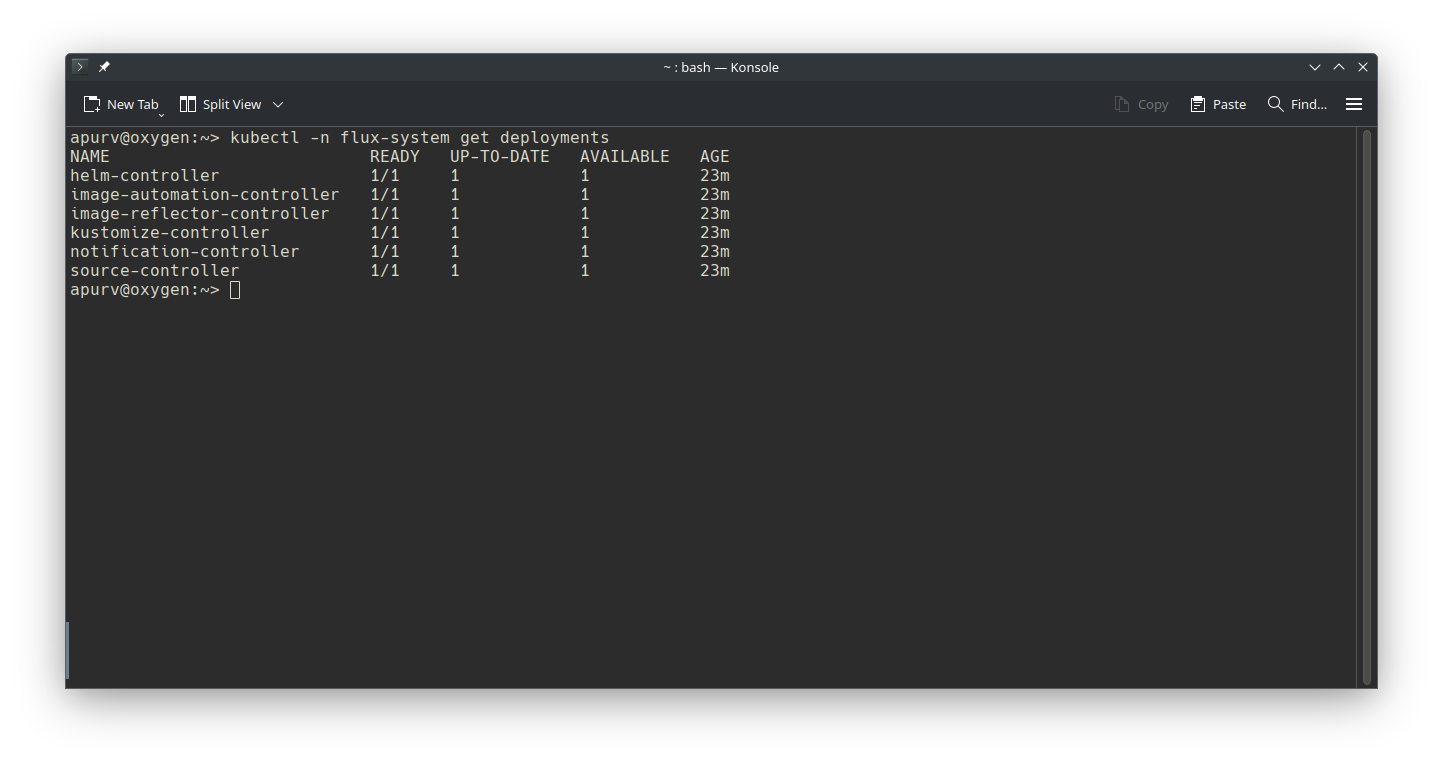
- FluxCD reconclided with Git repository and installed the components in
flux-systemnamespace, lets verify same withkubectl
4. Verify installation
Lets verify our installation by creating a sample deployment.
apps/nginx/deployment.yaml
 1apiVersion: apps/v1
 2metadata:
 3  name: nginx-deployment
 4  namespace: default
 5kind: Deployment
 6spec:
 7  replicas: 1
 8  selector:
 9    matchLabels:
10      app: nginx
11  template:
12    metadata:
13      labels:
14        app: nginx
15    spec:
16      containers:
17      - name: nginx
18        image: nginx:latest
19        ports:
20        - containerPort: 80
21        resources:
22          requests:
23            memory: "64Mi"
24            cpu: "50m"
25          limits:
26            memory: "64Mi"
27            cpu: "50m"
apps/nginx/kustomization.yaml
1apiVersion: kustomize.config.k8s.io/v1beta1
2kind: Kustomization
3resources:
4  - deployment.yaml
cluster/default/nginx.yaml
 1apiVersion: kustomize.toolkit.fluxcd.io/v1
 2kind: Kustomization
 3metadata:
 4  name: nginx
 5  namespace: flux-system
 6spec:
 7  interval: 5m
 8  path: ./apps/nginx
 9  prune: true
10  retryInterval: 2m
11  sourceRef:
12    kind: GitRepository
13    name: flux-system
14  targetNamespace: default
15  timeout: 3m
16  wait: true
The Kustomization resource has several important fields:
interval: How often Flux should reconcile this resource (5m = 5 minutes)path: Directory containing the Kubernetes manifestsprune: Whether Flux should delete resources that are no longer defined in GitretryInterval: How long to wait between retries if reconciliation failswait: Whether Flux should wait for resources to be ready before completing reconciliationtimeout: Maximum time to wait for reconciliation
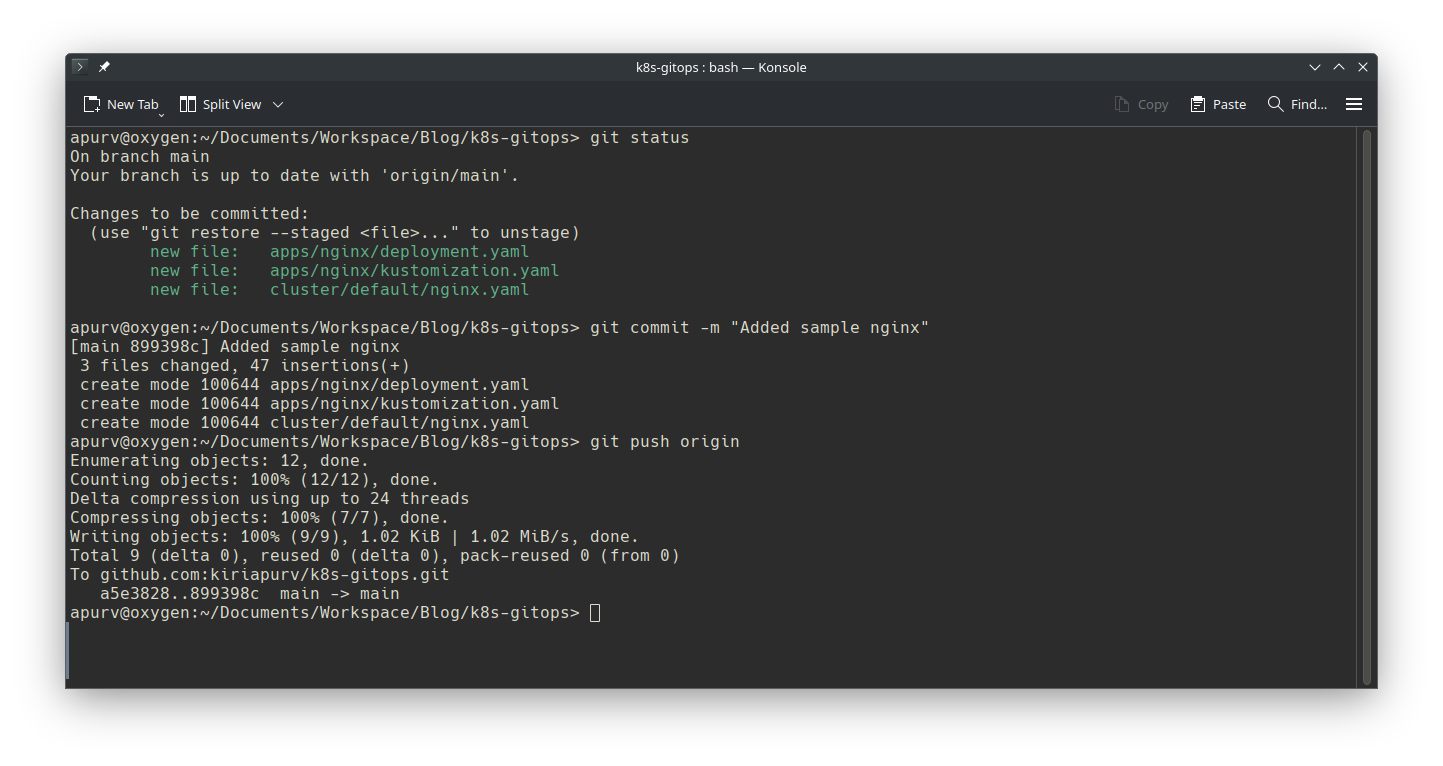
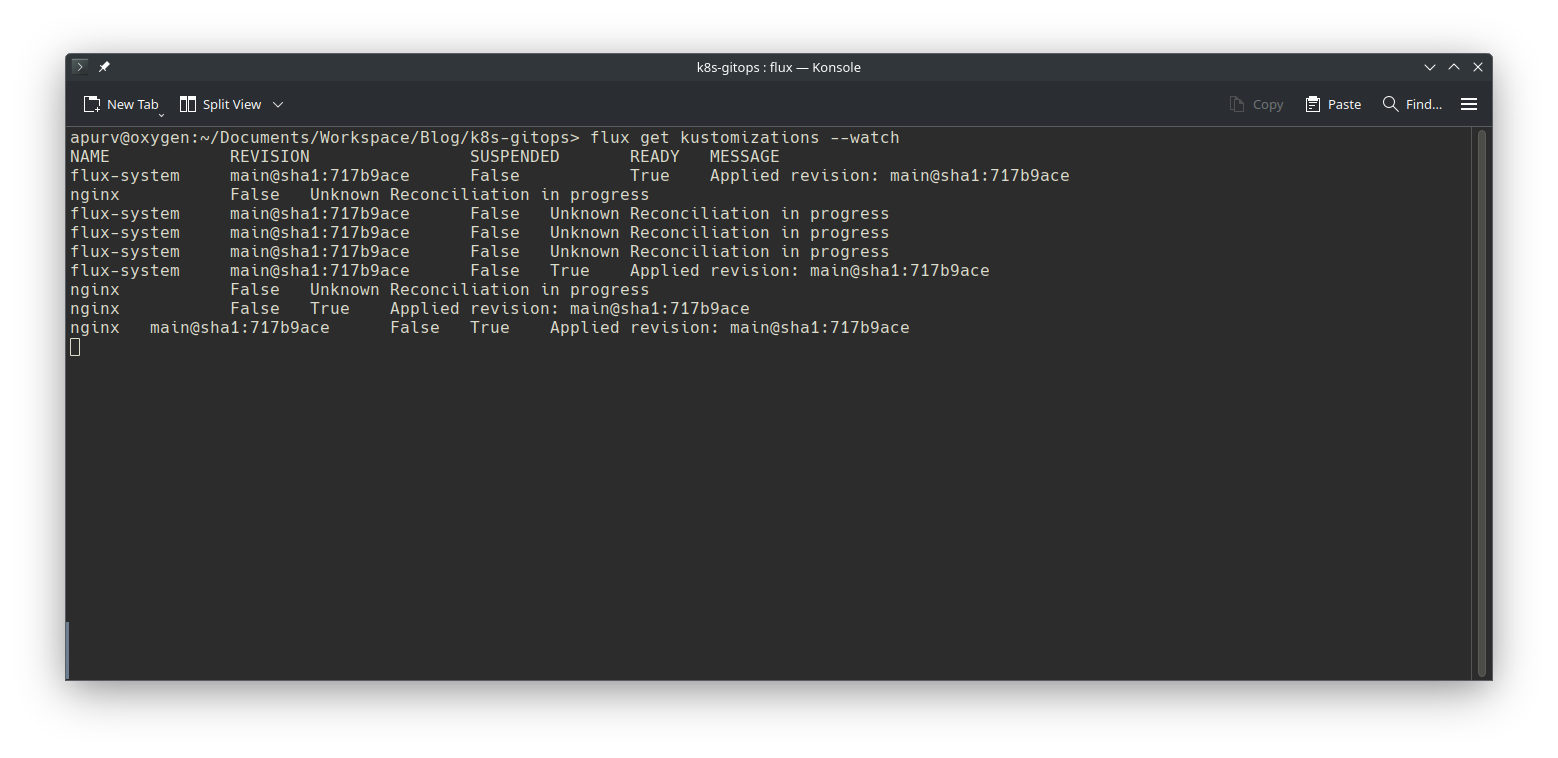
Lets push these changes and wait for reconciliation to finish.
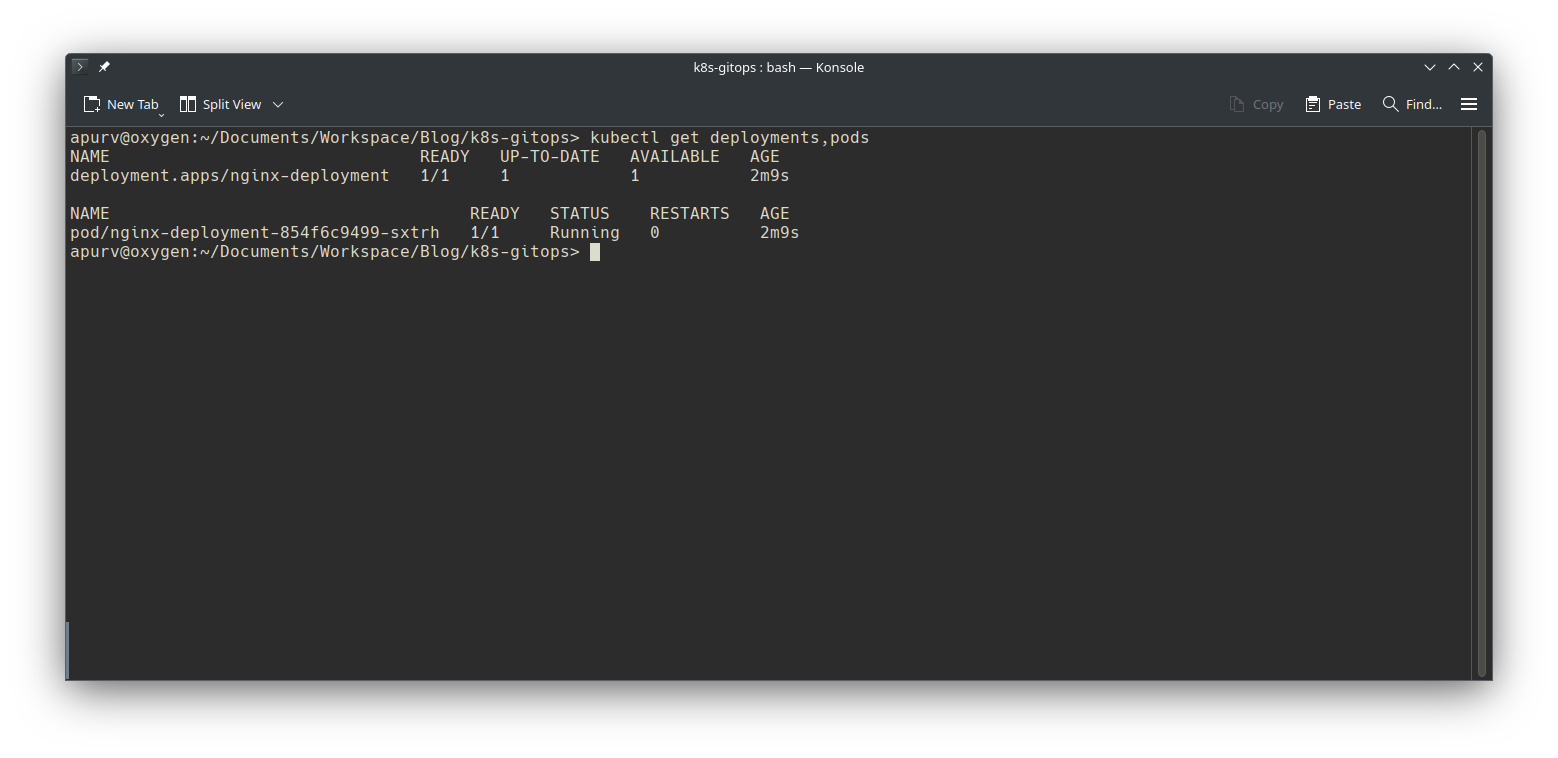
Lets verify if nginx is deployed
5. What if
One of the core goals of GitOps is ensuring that our cluster’s state always matches the resources defined in our git repository. This continuous reconciliation process is what makes GitOps powerful for maintaining system consistency.
To demonstrate this functionality, we’ll delete our nginx deployment using kubectl and observe how Flux’s reconciliation process automatically restores it to the desired state defined in Git. This showcases the “self-healing” capability of the GitOps approach.
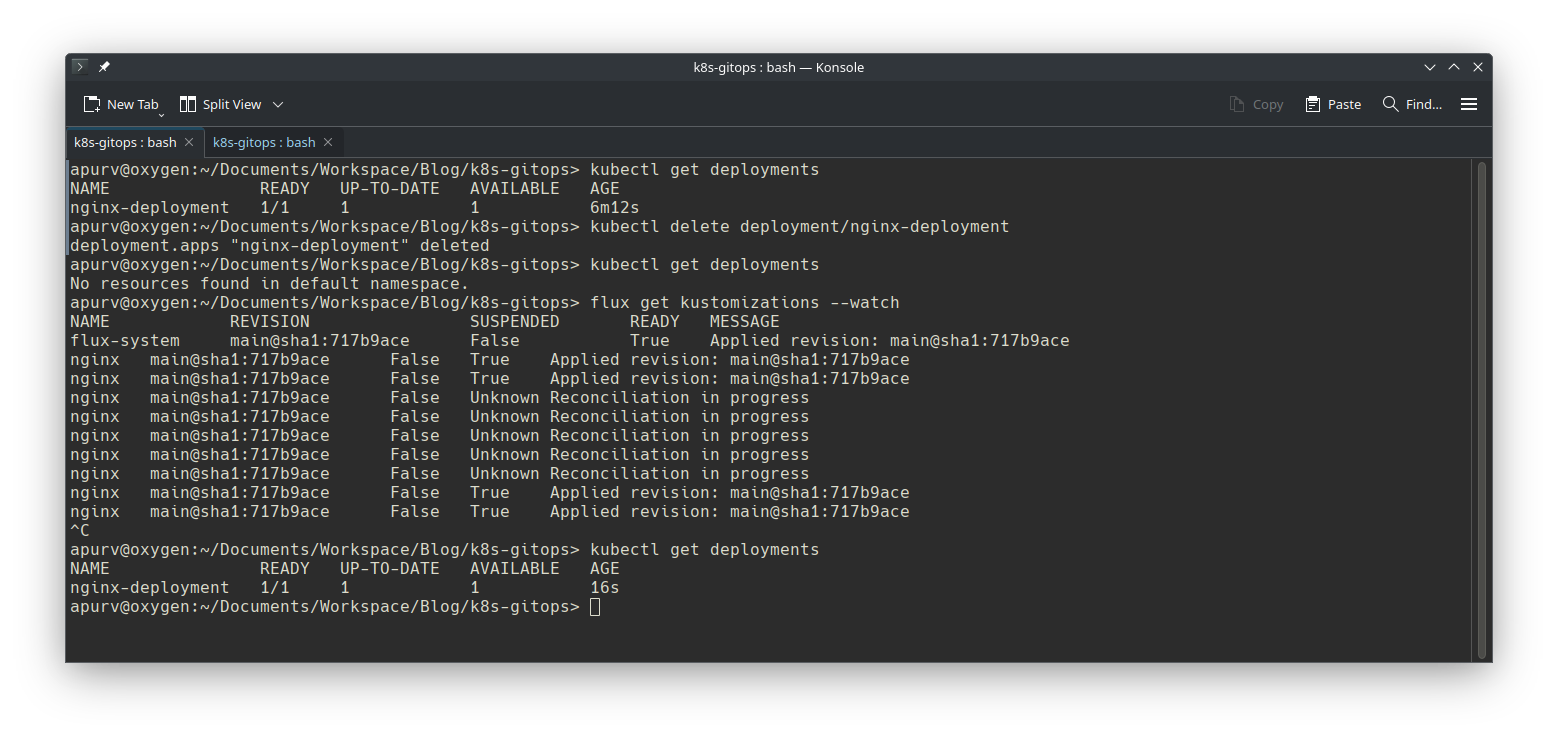
In screen above:
- First step is to verify the deployment with
kubectl get deploymentsto check if nginx is up and running - Second step is to delete deployment with
kubectl delete deployment/nginx-deployment - 3rd step to confirm nginx deployment is deleted with
kubectl get deployment - 4th step is to watch over FluxCD reconciliation to kick in
- 5th step to verify that nginx is re-deployed post Flux’s reconciliation
What next ?
Future posts will explore advanced GitOps patterns with FluxCD, including:
- Helm chart automation
- Image update automation
- Notification and alerting configuration
- Secrets management with SOPS
Stay tuned for each of these topics.
References
- Official FluxCD Documentation - https://fluxcd.io/flux/
- GitOps Working Group - https://opengitops.dev
- Kubernetes Documentation - https://kubernetes.io/docs/